
Comet Opik
In this notebook, we will showcase how to use Opik with Ragas for monitoring and evaluation of RAG (Retrieval-Augmented Generation) pipelines.
There are two main ways to use Opik with Ragas:
- Using Ragas metrics to score traces
- Using the Ragas
evaluatefunction to score a dataset
Setup
Comet provides a hosted version of the Opik platform, simply create an account and grab you API Key.
You can also run the Opik platform locally, see the installation guide for more information.
import getpass
import os

os.environ["OPIK_API_KEY"] = getpass.getpass("Opik API Key: ")
os.environ["OPIK_WORKSPACE"] = input(
    "Comet workspace (often the same as your username): "
)
If you are running the Opik platform locally, simply set:
Preparing our environment
First, we will install the necessary libraries, configure the OpenAI API key and create a new Opik dataset.
%pip install opik --quiet

import getpass
import os

os.environ["OPENAI_API_KEY"] = getpass.getpass("Enter your OpenAI API key: ")
Integrating Opik with Ragas
Using Ragas metrics to score traces
Ragas provides a set of metrics that can be used to evaluate the quality of a RAG pipeline, including but not limited to: answer_relevancy, answer_similarity, answer_correctness, context_precision, context_recall, context_entity_recall, summarization_score. You can find a full list of metrics in the Ragas documentation.
These metrics can be computed on the fly and logged to traces or spans in Opik. For this example, we will start by creating a simple RAG pipeline and then scoring it using the answer_relevancy metric.
Create the Ragas metric
In order to use the Ragas metric without using the evaluate function, you need to initialize the metric with a RunConfig object and an LLM provider. For this example, we will use LangChain as the LLM provider with the Opik tracer enabled.
We will first start by initializing the Ragas metric:
# Import the metric
# Import some additional dependencies
from langchain_openai.chat_models import ChatOpenAI
from langchain_openai.embeddings import OpenAIEmbeddings

from ragas.embeddings import LangchainEmbeddingsWrapper
from ragas.llms import LangchainLLMWrapper
from ragas.metrics import AnswerRelevancy

# Initialize the Ragas metric
llm = LangchainLLMWrapper(ChatOpenAI())
emb = LangchainEmbeddingsWrapper(OpenAIEmbeddings())

answer_relevancy_metric = AnswerRelevancy(llm=llm, embeddings=emb)
Once the metric is initialized, you can use it to score a sample question. Given that the metric scoring is done asynchronously, you need to use the asyncio library to run the scoring function.
# Run this cell first if you are running this in a Jupyter notebook
import nest_asyncio

nest_asyncio.apply()
import asyncio

from ragas.dataset_schema import SingleTurnSample
from ragas.integrations.opik import OpikTracer


# Define the scoring function
def compute_metric(metric, row):
    row = SingleTurnSample(**row)

    opik_tracer = OpikTracer()

    async def get_score(opik_tracer, metric, row):
        score = await metric.single_turn_ascore(row, callbacks=[OpikTracer()])
        return score

    # Run the async function using the current event loop
    loop = asyncio.get_event_loop()

    result = loop.run_until_complete(get_score(opik_tracer, metric, row))
    return result


# Score a simple example
row = {
    "user_input": "What is the capital of France?",
    "response": "Paris",
    "retrieved_contexts": ["Paris is the capital of France.", "Paris is in France."],
}

score = compute_metric(answer_relevancy_metric, row)
print("Answer Relevancy score:", score)
Answer Relevancy score: 1.0
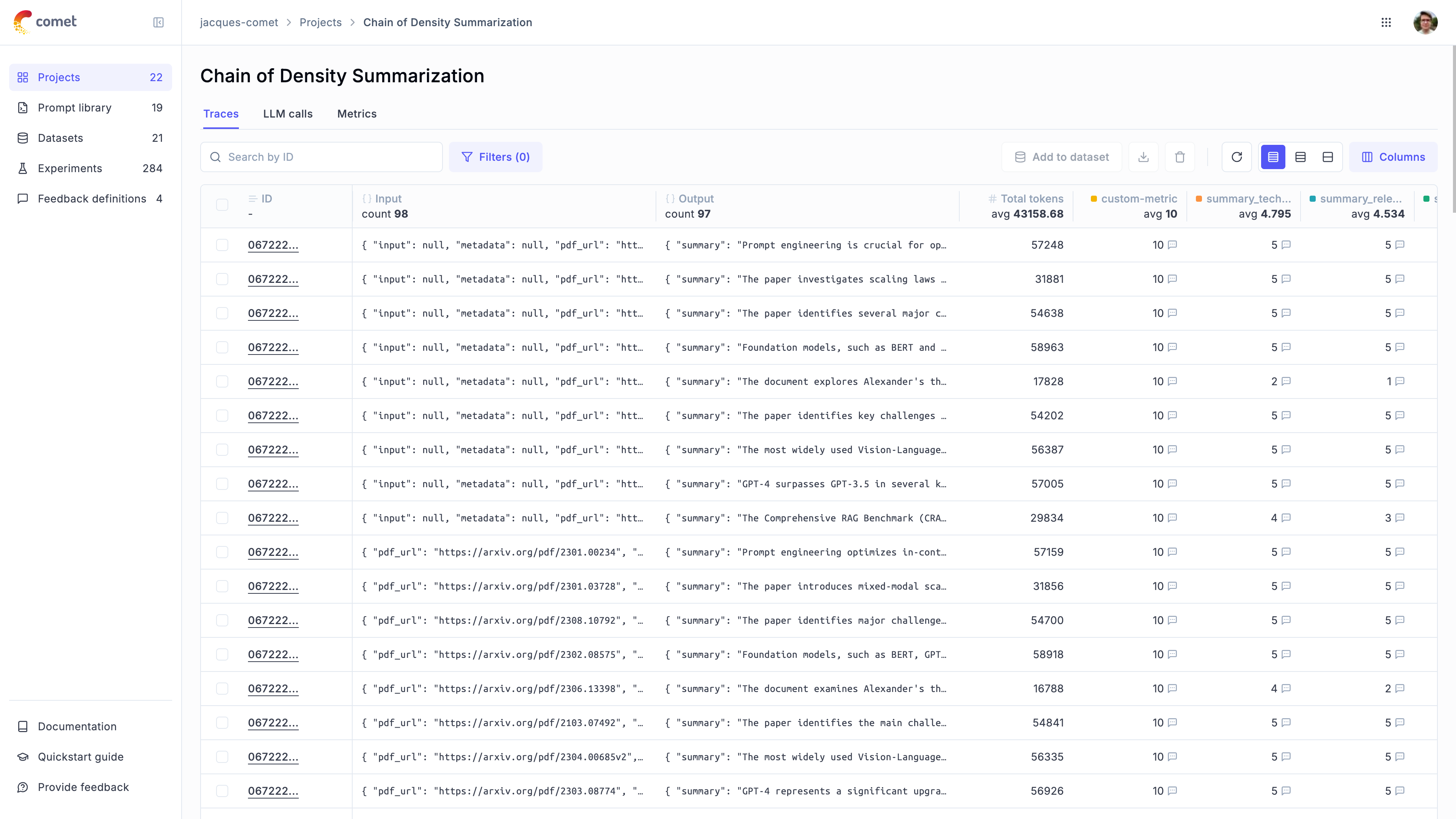
If you now navigate to Opik, you will be able to see that a new trace has been created in the Default Project project.
Score traces
You can score traces by using the update_current_trace function to get the current trace and passing the feedback scores to that function.
The advantage of this approach is that the scoring span is added to the trace allowing for a more fine-grained analysis of the RAG pipeline. It will however run the Ragas metric calculation synchronously and so might not be suitable for production use-cases.
from opik import track
from opik.opik_context import update_current_trace


@track
def retrieve_contexts(question):
    # Define the retrieval function, in this case we will hard code the contexts
    return ["Paris is the capital of France.", "Paris is in France."]


@track
def answer_question(question, contexts):
    # Define the answer function, in this case we will hard code the answer
    return "Paris"


@track(name="Compute Ragas metric score", capture_input=False)
def compute_rag_score(answer_relevancy_metric, question, answer, contexts):
    # Define the score function
    row = {"user_input": question, "response": answer, "retrieved_contexts": contexts}
    score = compute_metric(answer_relevancy_metric, row)
    return score


@track
def rag_pipeline(question):
    # Define the pipeline
    contexts = retrieve_contexts(question)
    answer = answer_question(question, contexts)

    score = compute_rag_score(answer_relevancy_metric, question, answer, contexts)
    update_current_trace(
        feedback_scores=[{"name": "answer_relevancy", "value": round(score, 4)}]
    )

    return answer


rag_pipeline("What is the capital of France?")
'Paris'
from datasets import load_dataset
from ragas import evaluate from ragas.metrics import answer_relevancy, context_precision, faithfulness
fiqa_eval = load_dataset("vibrantlabsai/fiqa", "ragas_eval")
Reformat the dataset to match the schema expected by the Ragas evaluate function
dataset = fiqa_eval["baseline"].select(range(3))
dataset = dataset.map( lambda x: { "user_input": x["question"], "reference": x["ground_truth"], "retrieved_contexts": x["contexts"], } )
opik_tracer_eval = OpikTracer(tags=["ragas_eval"], metadata={"evaluation_run": True})
result = evaluate( dataset, metrics=[context_precision, faithfulness, answer_relevancy], callbacks=[opik_tracer_eval], )
print(result)
from datasets import load_dataset

from ragas import evaluate
from ragas.metrics import answer_relevancy, context_precision, faithfulness

fiqa_eval = load_dataset("vibrantlabsai/fiqa", "ragas_eval")

# Reformat the dataset to match the schema expected by the Ragas evaluate function
dataset = fiqa_eval["baseline"].select(range(3))

dataset = dataset.map(
    lambda x: {
        "user_input": x["question"],
        "reference": x["ground_truth"],
        "retrieved_contexts": x["contexts"],
    }
)

opik_tracer_eval = OpikTracer(tags=["ragas_eval"], metadata={"evaluation_run": True})

result = evaluate(
    dataset,
    metrics=[context_precision, faithfulness, answer_relevancy],
    callbacks=[opik_tracer_eval],
)

print(result)
Evaluating:   0%|          | 0/6 [00:00<?, ?it/s]


{'context_precision': 1.0000, 'faithfulness': 0.7375, 'answer_relevancy': 0.9889}